
How it works: The Business account
Open the appWhat it is for
Run your shop from your phone: till, stock, customers, invoices, reports, staff.
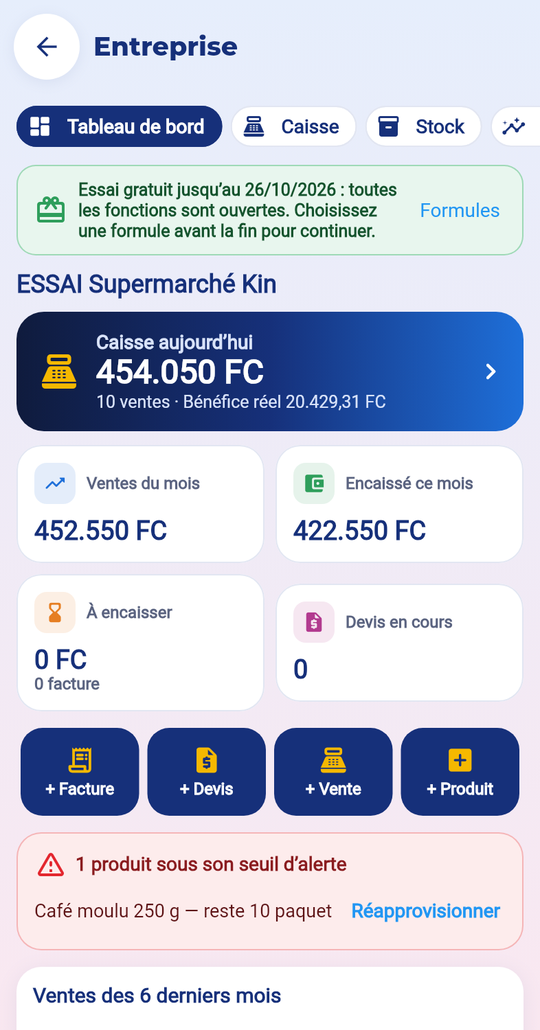
The steps
- Open Services → Business.
- Tap “Start the free trial”, fill in your business and tick the terms.
- Add your products (or import them from Excel).
- Add your staff with a PIN.
- Open the till and sell.
Price
14-day free trial, once per person. Then three plans: Shop, Business, Supermarket (your country’s price shown before paying). This is separate from your account level.
What is kept
Business data is visible only to you and your staff. You can export or delete everything in “Team” → “My data”.
Common mistakes
- Till receipts do not replace your official invoices: the business remains responsible for its taxes.
- Without an active plan at the end of the trial, you can read your data but not create any.